Sensitive Data Discovery in Microsoft 365 Environments
Copilot has made finding sensitive data faster, exposing gaps in how organizations protect it.
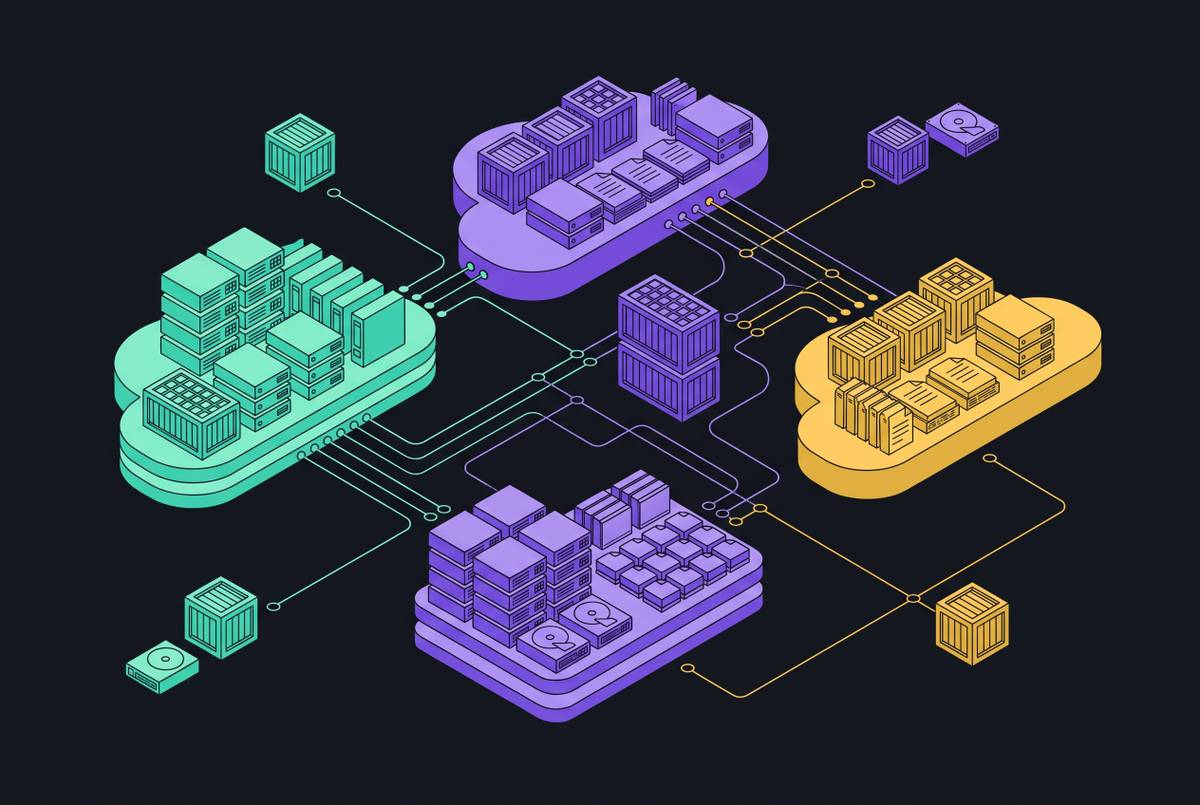
Sensitive data discovery in Microsoft 365 is a decade of sprawl problem before it is anything else. The permissions, folders, and guest accounts that accumulate across years of ordinary business activity leave most organizations unable to answer a simple question: who can see what, right now, across the tenant.
M5 data exposure
That inability has nothing to do with artificial intelligence. It predates generative AI by years and would exist even if Microsoft had never shipped an AI feature into its productivity suite. A SharePoint site gets shared with an entire department because it's faster than managing individual permissions. A guest account gets added for a single external project and is never removed once that project ends. A subfolder inherits access from a parent site that someone configured two reorganizations ago, and nobody left in the building remembers why. Each of these decisions made sense in isolation, at the time, under the pressure of whatever deadline prompted it. Collected across years and thousands of users, they produce an estate that nobody, including the people responsible for securing it, can fully map.
A substantial share of the sensitive content sitting inside that estate carries no label at all: no regex match flags it, no classification tag identifies it. That's not a tooling failure so much as a structural one. Intellectual property becomes sensitive because of what it means to the business. Traditional data loss prevention systems were built mainly to watch data in motion, so they track what leaves the network by email or upload. Many include some data-at-rest scanning, but that scanning does not reliably produce a comprehensive map of everything sitting in SharePoint, OneDrive, and Teams. The discovery gap exists regardless of whether DLP policies are active, configured correctly, or ignored.
What M365 Copilot changes about sensitive data discovery
Microsoft 365 Copilot does not create this exposure. It finds it faster than anyone before it could, and that speed is the entire story. Copilot has structurally accelerated the insider threat surface in three distinct ways: it compresses the time required to locate sensitive material, it leaves a forensic trail that looks nothing like what investigators are used to reviewing, and it interacts with sensitivity labels at a layer traditional DLP was never built to inspect.
Start with speed. A task that once took an hour of manual searching through SharePoint libraries, folder by folder, now takes you a 30-second prompt. The friction that used to slow down data discovery, for a curious employee and a malicious one alike, is gone. Saviona Pereira, a Microsoft-certified Technical Security Architect who has worked across Purview, Defender, Sentinel, and Entra ID for more than twelve years, put it directly: "An AI tool doesn't have that friction. It will use exactly the access it's been given, at whatever scale the query asks for. So a labelling gap that was theoretical for years suddenly becomes the thing that determines what a chatbot is allowed to say back to someone."
The forensic trail has also changed shape. Copilot activity lives in prompt and response logs, a format investigators have not had to review until now. If a team reviews a suspected exfiltration event through traditional audit trails, it can miss Copilot-mediated activity, because Copilot never touches the systems those trails were built to monitor.
The vulnerability surface is concrete and documented. Three critical-severity information-disclosure vulnerabilities in M365 Copilot and Copilot Chat, tracked as CVE-2026-26129, CVE-2026-26164, and CVE-2026-33111, were disclosed and fully remediated by Microsoft in May 2026. In environments where Copilot holds broad access, weaknesses in how it handles special elements could let sensitive information cross trust boundaries it was never meant to cross, exposing intellectual property, confidential communications, or restricted internal records.
Once something sensitive is exposed, exploitation risk begins rising immediately. The Microsoft Digital Defense Report 2026 covers July 2025 through June 2026, and it found that an exposed cloud workload gets attacked after 5.3 hours on average. A newly surfaced sensitive asset carries that same window before exploitation becomes likely, no matter if a human or an AI assistant surfaced it.
Why Discovery Cannot Be Delegated to Labeling and DLP Policy
The most common gap inside M365 environments has nothing to do with licensing. Organizations already own the security products they need but are failing to operate them, and Copilot is what exposes that failure.
Pereira's field observation cuts straight to it: "Almost every enterprise I work with already owns Purview, already owns Defender, already has the Insider Risk Management capability sitting in their tenant. The gap isn't procurement, it's configuration. A lot of organisations treat having the licence as equivalent to being protected, when the two things are barely related."
The failure modes she describes are specific and recurring: sensitivity labels that were switched on during initial deployment but never actually applied to real content, DLP policies left running on out-of-the-box default settings nobody customized for the organization's actual data, Conditional Access rules written years ago for an estate a fraction of its current size. Most M365 E5 customers activate only 30 to 40 percent of the capability they are already paying for. That is an operationalization gap, not a procurement problem, and no amount of additional licensing closes it.
Legacy DLP compounds the issue rather than resolving it. Static rules and regex patterns generate high volumes of false positives. Once detection accuracy drops, analysts stop trusting the tool, so they spend their time tuning policies instead of investigating real incidents, which is the exact outcome DLP was deployed to prevent. Generative AI breaks the underlying detection model outright: prompts, context, and outputs are unstructured, generated in real time, and continuously transformed from one exchange to the next. Pattern-matching DLP has no mechanism for answering the question legal and compliance teams are now asking, which is which sensitive data Copilot can actually access.
How sensitive data discovery tools work across an M365 estate
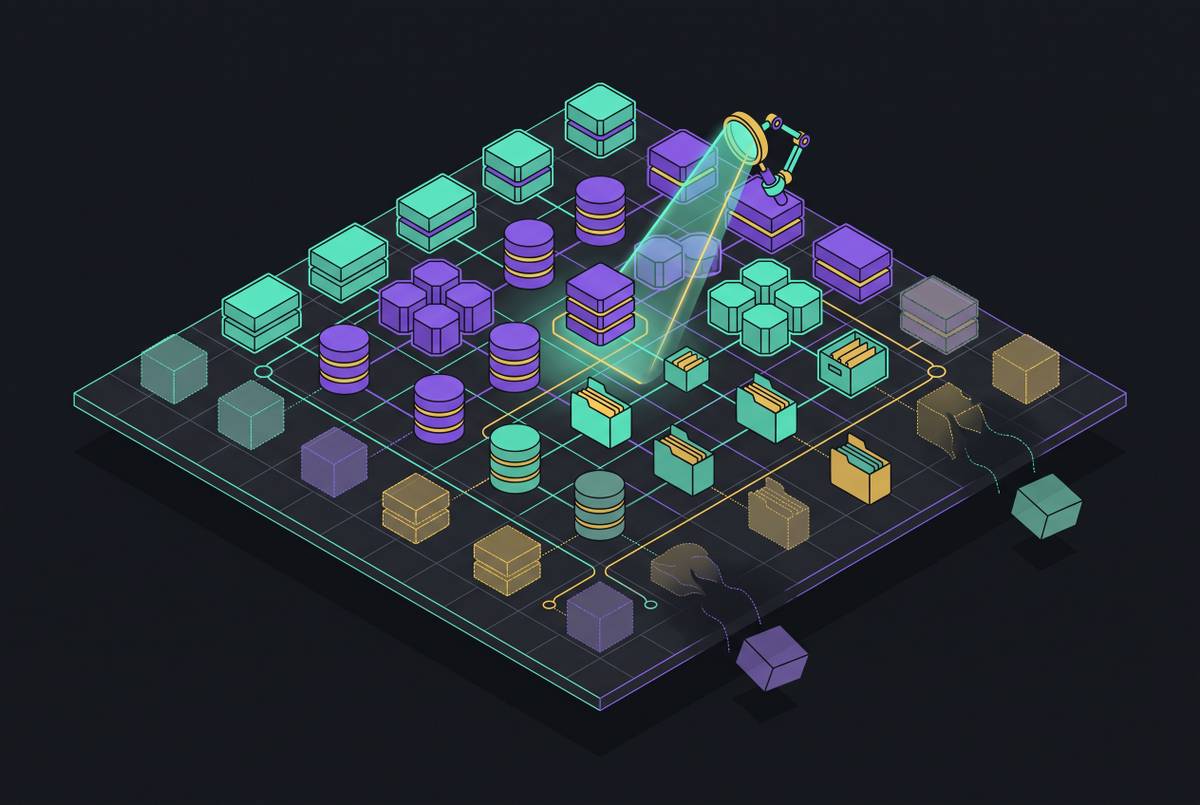
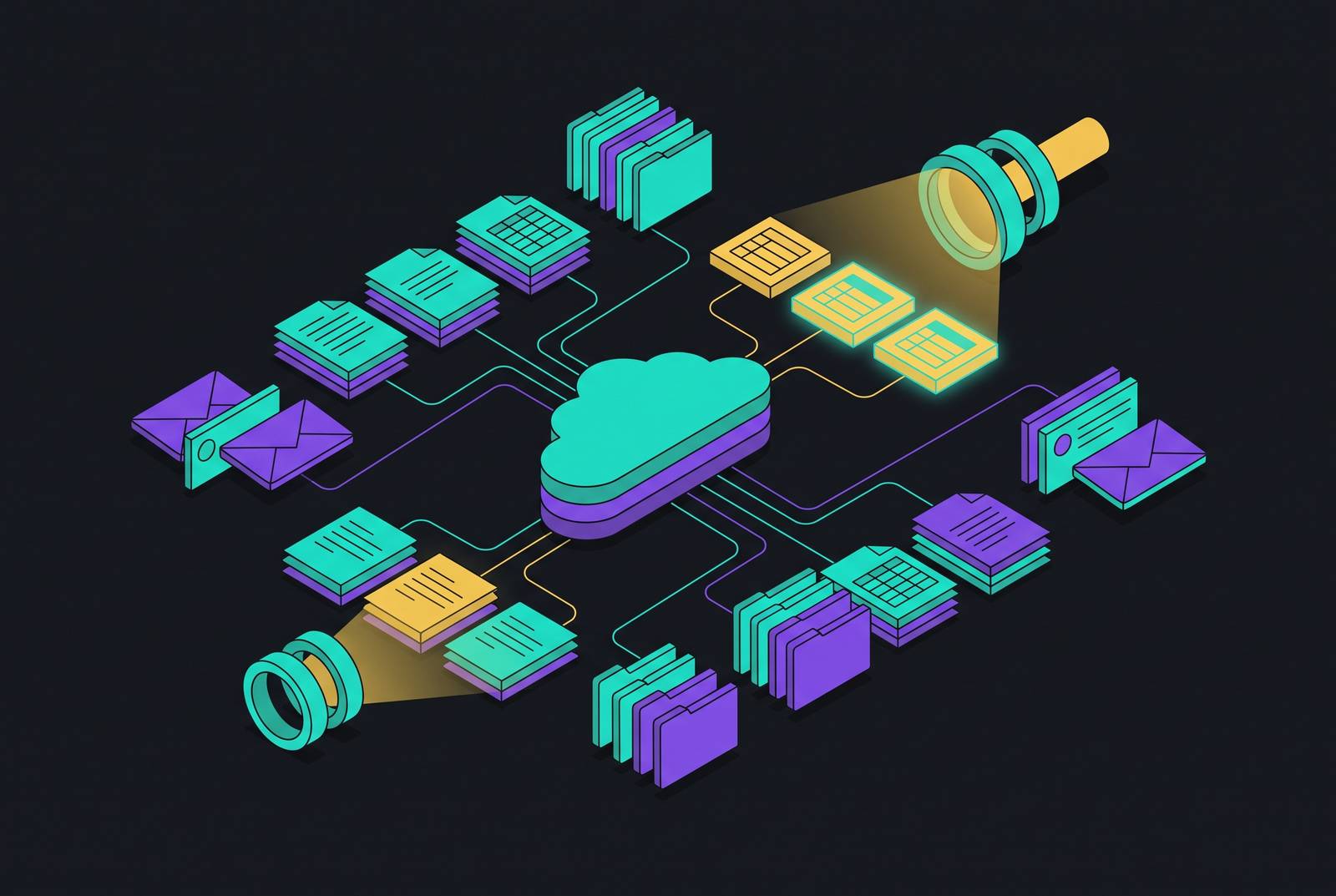
Sensitive data discovery tools answer four questions that most security tooling was never designed to answer: where sensitive data is stored, how much of it exists, what type it is, and which findings demand action first. That framing separates discovery from DLP by scope rather than by purpose. DLP watches data in motion, the files, messages, and uploads moving across a boundary in real time. Discovery classifies data at rest, building a picture of what exists across repositories before anyone decides how to protect or move it. The two functions support each other: discovery identifies the content that matters, and DLP controls what happens to it once identified. Neither one substitutes for the other.
Classification depth is where discovery tools diverge most sharply from each other. Some rely on regex and pattern matching, an approach that is predictable but limited to content with a recognizable structure. Others layer in dictionaries, proximity analysis, and machine learning models, producing results that are more context-aware but require real tuning against an organization's actual data. The stakes of that tuning are measurable: 47 percent of legacy DLP alerts are false positives, a rate high enough to erode analyst trust on its own, while false negatives leave genuine risk sitting untouched and unreviewed. Accuracy against an organization's own data, not a sales presentation, is the test that matters.
Classification alone does not make a finding actionable. If you list every file in the tenant that contains personally identifiable information, that tells a security team almost nothing useful on its own. Strong platforms supply the context to tell a harmless archive apart from an active exposure that needs attention immediately, surfacing enough surrounding detail in their findings to support real remediation rather than another spreadsheet.
Behavioral context supplies a layer that pure content classification cannot. The same file transfer can be routine in one context and a clear warning sign in another, and that distinction requires watching patterns of behavior alongside the content itself. Safetica's H1 2026 data illustrates exactly this kind of shift: the Tawk.to third-party chat widget went from a negligible share of flagged activity to the dominant source of instant-messaging blocks within a single quarter, once it had been rolled out across a web property. A static policy list, built on a fixed inventory of known risky applications, would not have caught that shift in time. Behavioral monitoring did, because it tracked the change in pattern rather than waiting for a rule update.
Remediation workflow integration is what separates a genuinely operational tool from a glorified inventory. If discovery findings pile up without a path to resolution, they become backlog, not security improvement. To evaluate a discovery tool, ask whether it offers guided remediation, owner-based review workflows, tagging and policy support, or automation that connects to the downstream controls a team already relies on.
Seven sensitive data discovery tools worth evaluating for M365 environments in 2026
No single discovery tool covers every environment with equal strength. The right choice depends on how well a platform's coverage, classification depth, and remediation workflows match an organization's actual data estate, so it isn't about which vendor's feature list reads longest. Netwrix's 2026 guide to sensitive data discovery tools names seven worth evaluating, and you can carry its criteria into any evaluation process no matter which tool you pick.
Netwrix Data Classification stands out in the guide, because it is the strongest overall choice if you need hybrid coverage without standing up a large multi-tool program. It covers Microsoft 365, file shares, SharePoint, Exchange, SQL Server, Oracle, and other supported repositories from a single platform, and it supports continuous discovery across both on-premises and cloud repositories at once.
Whichever of the remaining six tools an evaluation team shortlists, the guide's criteria apply the same way across all seven. Coverage of the actual data estate comes first: a tool that inspects M365 content but cannot reach file servers, SQL databases, or collaboration platforms elsewhere in the environment leaves major blind spots regardless of how well it performs within its narrow scope. Proof-of-value testing against real data sources is what separates genuine coverage from marketing claims about coverage breadth. The second test is depth and accuracy of classification, so you check discovery performance against an organization's own content rather than a vendor's curated demonstration set. Exposure context is the third: can the tool tell a harmless archive apart from genuinely at-risk data, or does it just produce an undifferentiated list? Risk prioritization follows: does the tool separate the findings that matter most from background noise that will bury an analyst team in low-value alerts? Remediation workflows and operational fit close the list: does the platform connect to the downstream controls a security team already uses, or does it hand back a report with nowhere for that report to go?
Applied consistently, these five criteria turn a roundup of product names into an actual decision framework, one that holds regardless of which vendor ends up on a shortlist.
Insider attack archetypes exploiting the discovery gap in M365
The insider threat surface inside M365 is not one problem with one signature. It breaks into distinct archetypes, each producing its own detection signal, and discovery is the precondition for catching any of them, because none of these patterns can be flagged in content a security team doesn't know exists.
Departing-employee exfiltration carries the highest risk in the shortest window. Employees leaving after layoffs, role changes, or a merger sometimes take client lists, intellectual property, or sensitive reports with them before access is revoked, occasionally for legitimate reasons and occasionally not. The signal worth watching is unusual data movement in the period before a departure event.
A compromised credential acting as an insider is the hardest pattern to detect of all of them. Once an attacker holds valid credentials, every action, lateral movement, file downloads, exfiltration, occurs inside authorized access patterns that look identical to normal productivity. SpyCloud's 2026 guide notes that by the time behavior actually changes, the underlying credential compromise may have happened weeks or months earlier, and behavioral detection tools only flag the activity once suspicious behavior is already visible on the surface.
Negligent insiders cause damage without any malicious intent behind it. Accidental sharing in Teams, a misconfigured permission setting, sensitive content pasted into a shadow AI tool outside sanctioned systems: the m365.fm guide names accidental Teams sharing as a leading scenario DLP tools are expected to catch in current deployments.
The 2024 Montefiore HIPAA settlement, resolved for $4.75 million, shows what can happen when authorized access turns malicious slowly, over time. A malicious insider had legitimate, authorized access and sold the electronic protected health information of thousands of patients, and standard DLP rules never flagged it, because nothing about the access pattern looked unauthorized on its face. That case is the textbook failure mode of content-matching DLP when an authorized user acts maliciously across a long timeline rather than in a single detectable burst.
Rclone-based exfiltration dominates the technical side of this threat landscape, appearing in a majority of ransomware incidents as the tool of choice for moving stolen data out. Catching it takes monitoring process creation for cloud service command-line arguments, a signal that sits outside what content-inspection DLP can reach.
The detection model that actually works against these archetypes in 2026 depends on correlating signals across pillars rather than trusting any single one in isolation. A mass SharePoint download, a Copilot prompt requesting sensitive data, an OAuth grant issued to an external application: any one of these, alone, can be entirely benign. The real threat becomes visible only when multiple signals from different pillars converge on the same user within a short window, and that convergence is what separates a security program that catches insider risk from one that only reviews it after the fact.